Emails: choose who your customers see as the sender
Pick the name your customers see on invoices, receipts and reminders, and where their replies go. Then send yourself a test email to check what they get.
By Christopher DosinFounder / CTO

1 min read
You can now choose the name your customers see on invoices, receipts, reminders and remittance advice, and where their replies go.
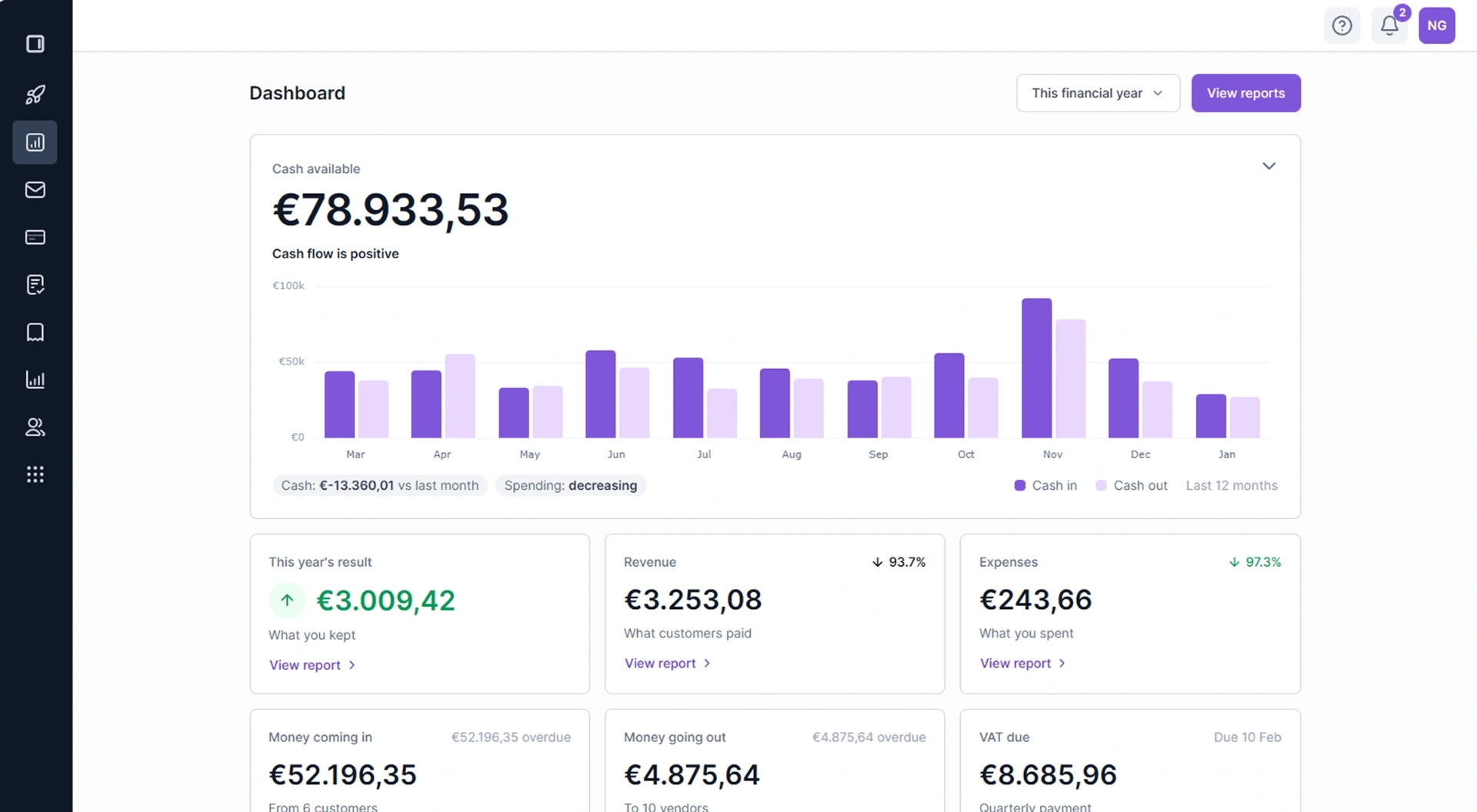
Settings › General › Emails you send, right after Contact.
- The sender name: your company name, a registered trade name, the person who sends it, or another name you type.
- Where replies go: your company email, the person who sends it, or another address.
- A pick saves at once, with Undo. A typed name or address saves when you leave the field, and one that would not work says why before anything is saved.
Use “Send me a test email” to see what your customers get, and reply to it to check where answers go.
Read more about invoices in Cybooks.